

Jira Service Management and HubSpot Tickets: The Two-Trigger Workflow
A support agent logs a customer request in Jira Service Management, works it, resolves it, and then opens a second browser tab to record what happened in the CRM. The operational detail is captured, but the account team never sees the request, and the health score the agent assigned lives in one system while the customer record lives in another.
Two rules close that gap. The first links the request to the customer when it arrives. The second turns the agent’s own assessment into a HubSpot ticket.
Before you start
Connect the app and confirm the HubSpot account under Connection Details on the General tab.
On Configuring "Read/View" Settings, grant the agent group access and choose which HubSpot properties they should see.
Turn on Hide Internal Jira Comments for your service spaces before the first link, so internal comments are never exposed in HubSpot.
On Configuring "Write/Update" Settings, allow ticket creation and the properties rule two needs to set.
Rule one: link the customer when the request arrives
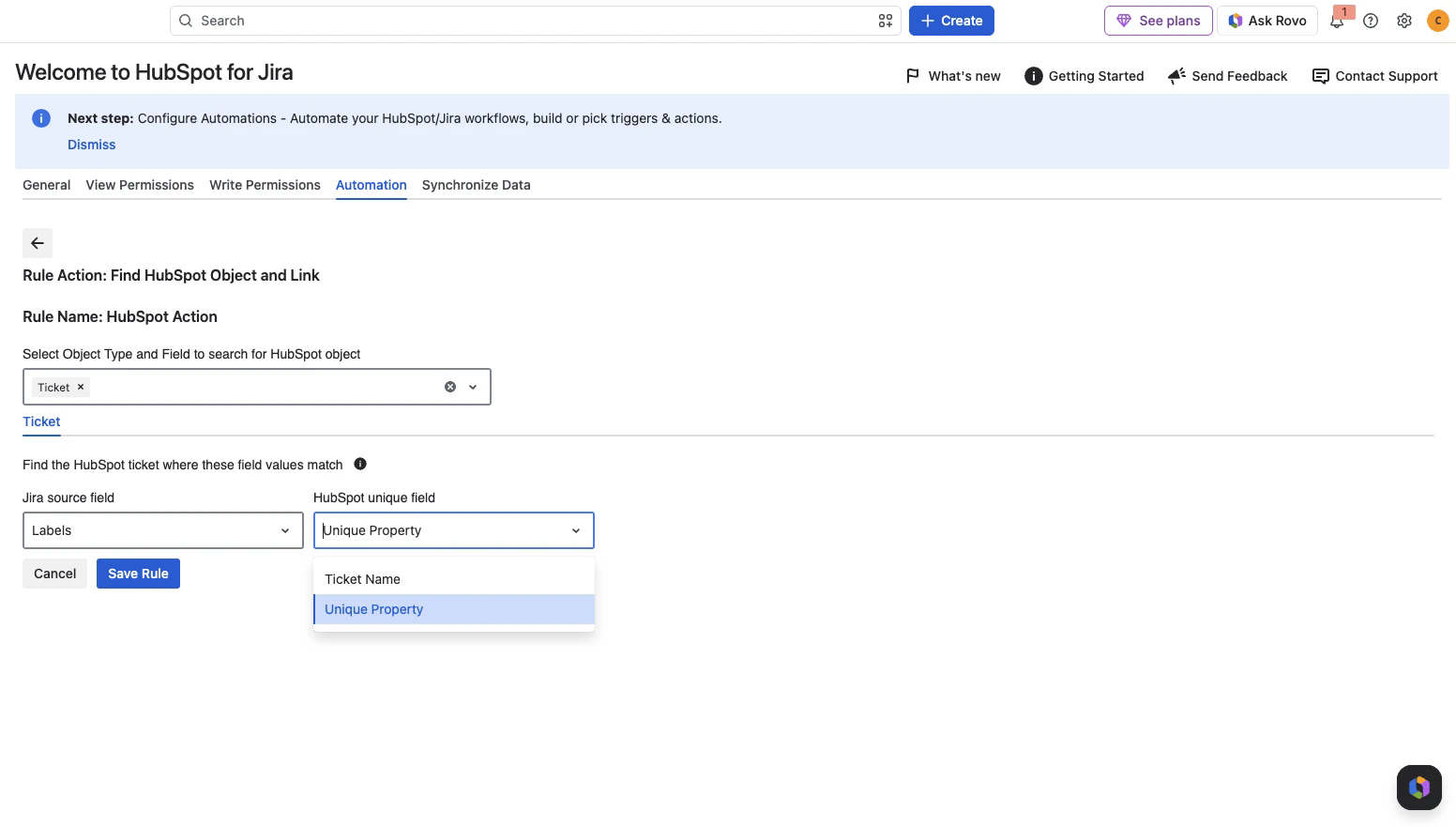
Trigger on Work item created and use Find HubSpot Object and Link, which links records that already exist and never creates anything.
HubSpot object | Matched on | Source on the request |
|---|---|---|
Contact | The reporter’s email address | |
Company | Company Name | The organisation field, or a field on the request |
Deal | Deal Name | A custom field on the request |
Deal is the awkward one. A service desk request does not naturally know which deal it relates to. Either carry the deal name on the request form, or leave the deal out of rule one and let agents attach it by hand from the work item panel.
Rule two: turn the health score into a HubSpot ticket
Trigger on Field value changed, pointed at your health score field, and use Link or Create and Link HubSpot Object. The rule looks for a matching HubSpot ticket first and creates one only if nothing matches, so the score reaches the account team without anyone retyping it.
The health score field has to be a type the app can map:
Number
Select List, single and multiple choice
Radio Buttons
Short text
Checkboxes
See Supported Property Types for the full list of what can be mapped.
Keeping it to one ticket per request
Re-scoring a request must not mint a second HubSpot ticket. Three defences, used together:
Defence | Why it works |
|---|---|
Use Link or Create and Link | It searches for a matching ticket first, so a re-score finds the existing ticket instead of creating another one |
Make the Ticket Name deterministic | Build it from the request key rather than any changing value, so the find step can still match it on a re-score |
Add a condition on the score | Continue only when the score crosses the threshold that deserves account-team attention, which limits how many tickets are created at all |
What each team sees
Support agents see the linked contacts, companies, deals and tickets in the HubSpot CRM panel on the work item. They can read HubSpot properties, link records and create new ones, but cannot edit HubSpot properties from the request.
The account team sees a HubSpot ticket carrying the score, and the linked Jira work item on the HubSpot record, with comments flowing both ways.
What this does not do
The app never updates an existing HubSpot record. The HubSpot ticket is a snapshot taken when the score crossed your threshold, not a live copy of the request:
If the health score changes after the ticket exists, the ticket keeps the score it was created with.
Resolving the JSM request does not close the HubSpot ticket.
Reopening the request does not reopen the HubSpot ticket.
Plan the threshold and the ticket name around that, and treat the HubSpot ticket as a signal to the account team rather than a mirror of the request.
Full write-up: Jira Service Management and HubSpot Tickets: The Two-Trigger Workflow on the resolution blog.