

HubSpot Search (Global Page)
HubSpot Search is a full page inside Jira for looking up HubSpot records without opening a work item. Use it to check a record, or to create a HubSpot object directly from Jira.
Opening HubSpot Search
In the Jira sidebar, select Apps, then HubSpot CRM Search.
Searching
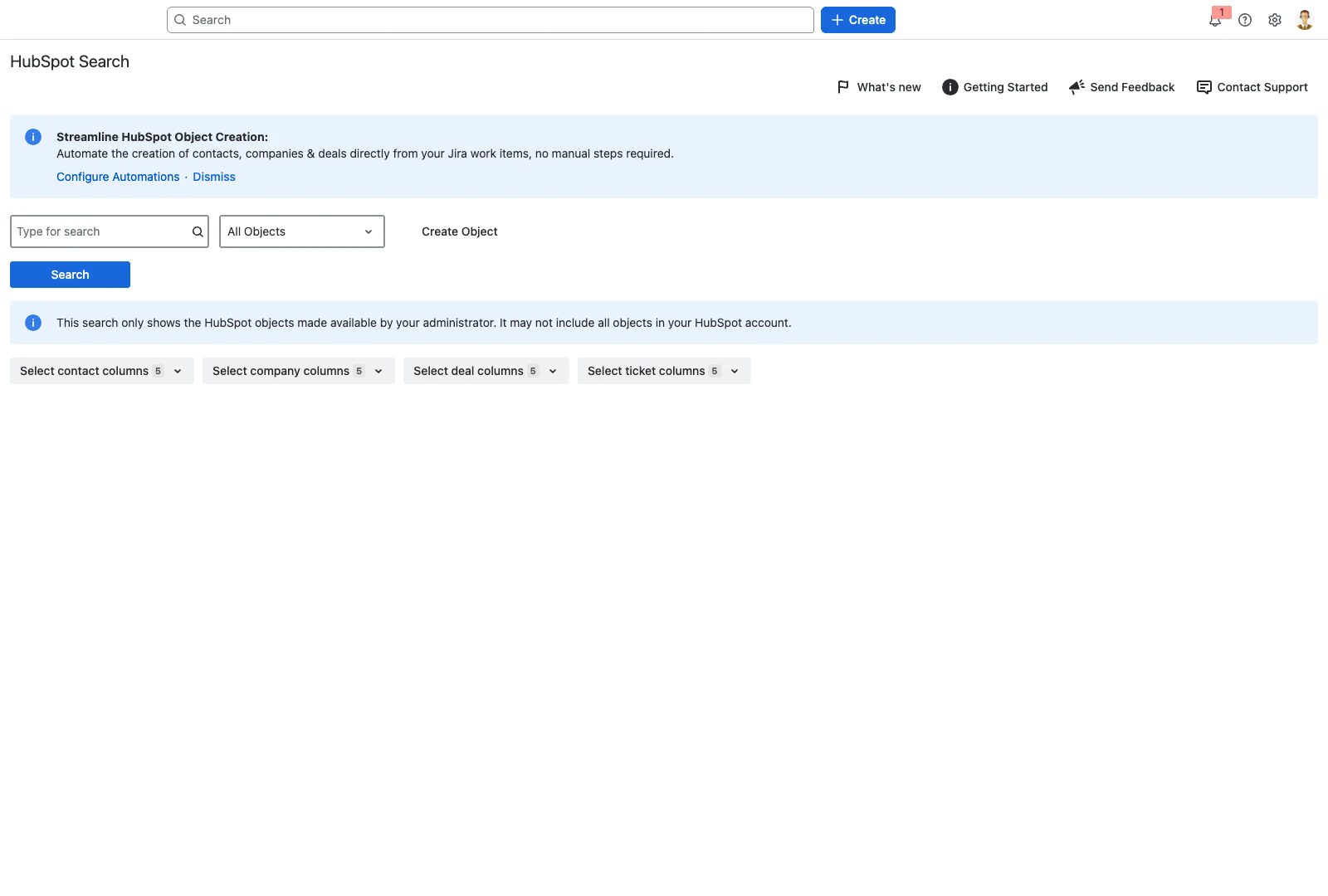
Type your search term in the search box.
Choose an object type from the dropdown, or leave it on All Objects.
Select Search.
Results are grouped by object type. Each group has its own column picker, so you can choose which properties are shown for contacts, companies, deals and tickets independently.
Search covers only the HubSpot objects your administrator has made available, and only the spaces in scope. It may not include every object in your HubSpot account. If a record you expect is missing, check with your administrator rather than assuming it does not exist.
Creating an object
Select Create Object, choose the object type, and complete the form. The fields available are the ones your administrator has made available for creation, and mandatory fields are marked. Creating a record here adds it to HubSpot without linking it to a work item.