Documentation 2.0
- Marketplace Add-on
- Configuration Wizard
- Import/Export Config
- Multiple SAML Identity Providers
- Metadata Import
- Attribute mapping from IdP Metadata
- User ID transformation
- User creation, update
- User enabling
- Group assignment (add and remove)
- Metadata creation (SP)
- Authentication tracker / Configuration test
- Download SupportInformation
- Supported SAML bindings
- SSO Redirect
- Modify Entity ID
- Signing and Encryption
- Multiple certificates
- Sign authentication requests
- Response date validity
- Time skew
- Enforce response Uniqueness
- Organization and Contacts in Metadata
- RememberMe Cookie
- Prevent Login Form
- Issue Collectors
- Editable page templates
- NameId in request
- Include ProtocolBinding in request
Marketplace Add-on
Configuration Wizard
Import/Export Config
Multiple SAML Identity Providers
Multiple Identity providers can be configured. This allows to authenticate users from different organisations which have separated user bases.
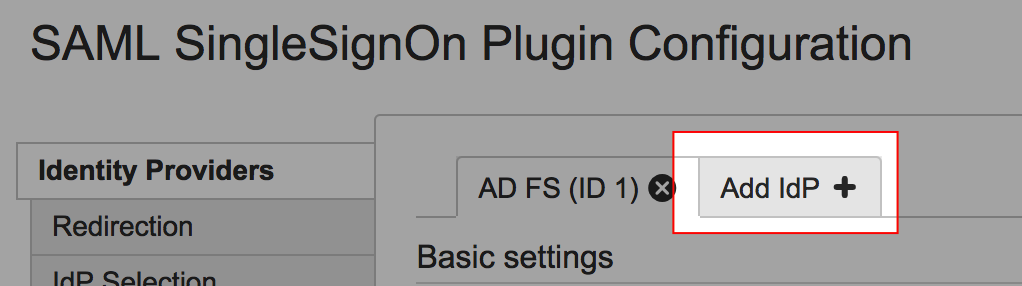
To add another IdP, click the Add IdP tab and follow the configuration Wizard
IdP selection
When a user browses the Application and Single Sign On is triggered, nothing is known about this users. If more than one IdP is configured there are multiple options to bring the user to the appropriate IdP.
IdP Selection by Weight
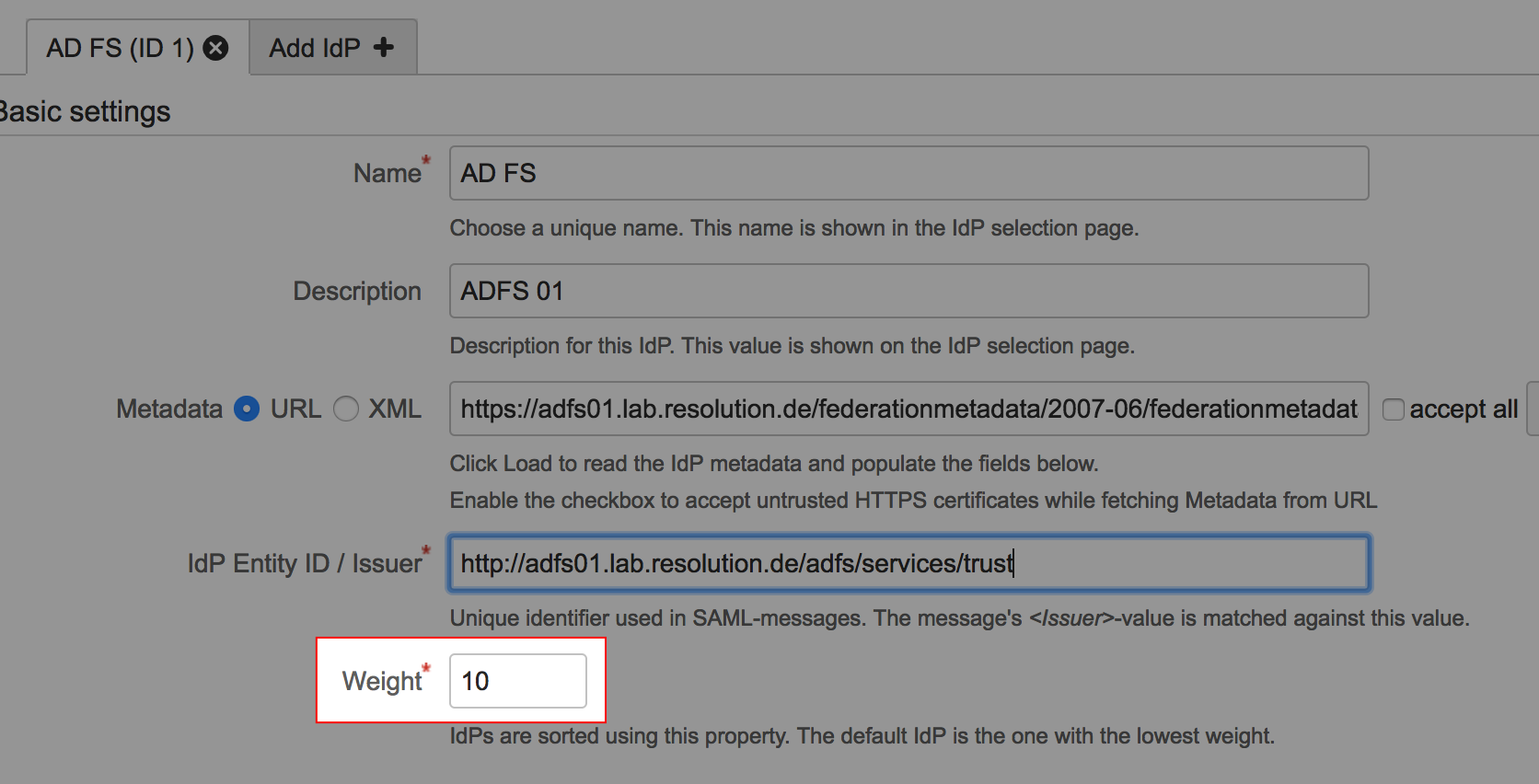
The IdP configuration has a parameter Weight. The IdP with the lowest weight is used as default Identity Provider.
IdP Selection Page
IdP Selection by E-Mail
IdP Selection by Request Header
IdP Selection by IdP Parameter
SAML SSO can be triggered by explicitly browsing https://<baseurl>/plugins/servlet/samlsso. This URL accepts a parameter idp to specify the IdP ID to use, e.g. https://<baseurl>/plugins/servlet/samlsso?idp=2 to use the IdP with id 2.
Metadata Import
From URL
Metadata Import from XML
Attribute mapping from IdP Metadata
User ID transformation
A regular expression can be applied to the userid as it comes from the IdP to adapt it to the Atlassian application. The most common user case is that the IdP delivers an email address (e.g. gonzo@example.com), but only the part before the @-sign should be used as user ID.
In this case, set Replace to (.*)@.* and with to $1:
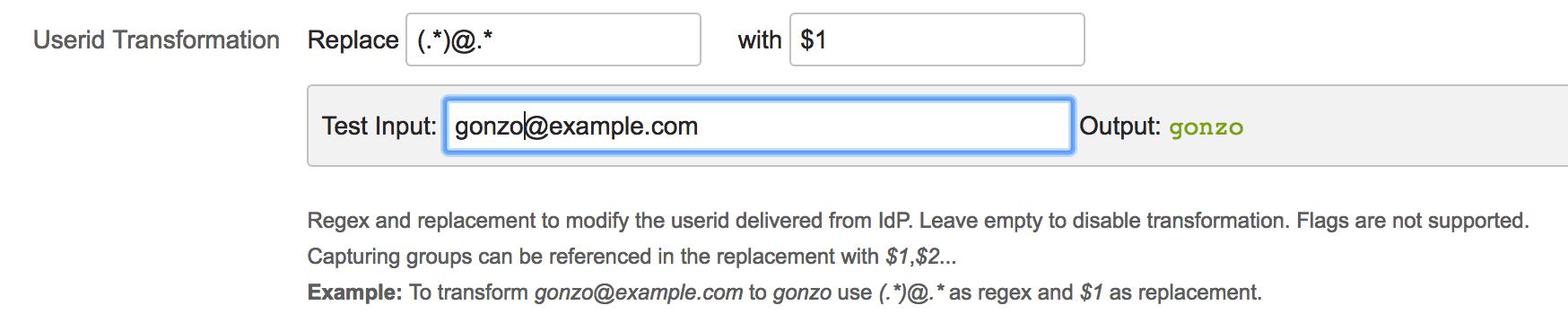
To test this setting, enter a value as it is expected from the IdP in Test Input to see how it is transformed. For more about regular expressions, see https://en.wikipedia.org/wiki/Regular_expression#Syntax
To see this setting, uncheck The IdP's NameID attribute matches the user IDs

User creation, update
User enabling
Group assignment (add and remove)
Metadata creation (SP)
Authentication tracker / Configuration test
Download SupportInformation
Supported SAML bindings
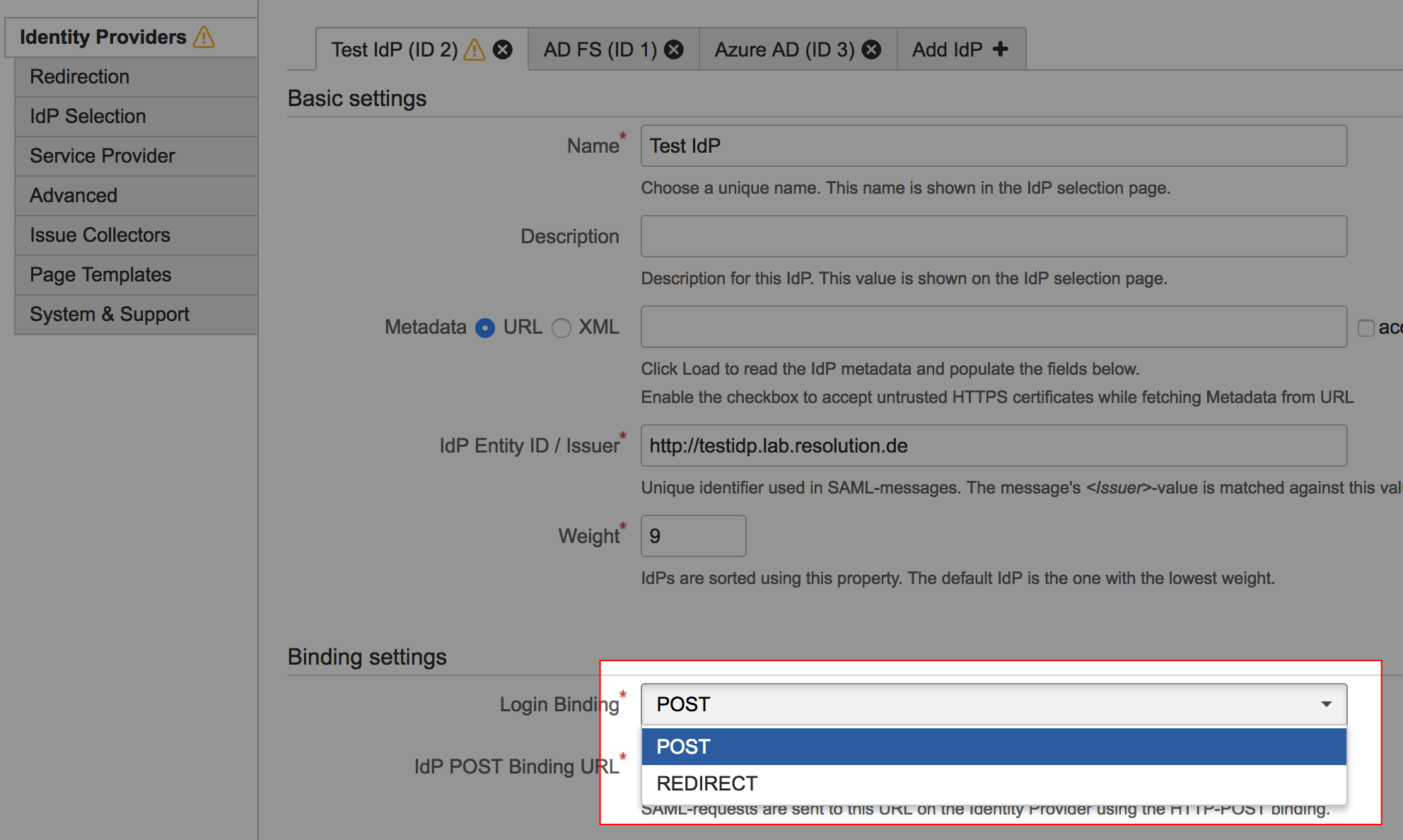
SAML Single Sign On supports POST and REDIRECT binding. The binding type can be selected per Identity Providers under Binding settings.
SSO Redirect
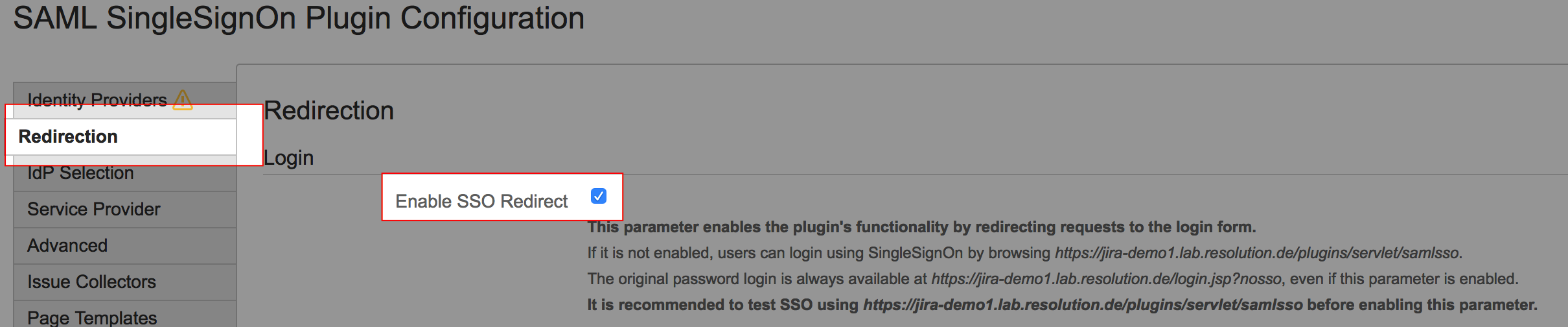
If SSO Redirect is enabled, the SAML SingleSignOn-plugin detects requests to the login page and redirects to the SAML Identity Provider (IdP) for authentication, so the users have a seamless experience.
If SSO Redirect is not enabled, SSO can be triggered by explicitly browsing https://<baseurl>/plugins/servlet/samlsso.
SSO Redirect is enabled with the Enable SSO Redirect checkbox in the Redirection tab.
Use the login form with SSO Redirect enabled
If SSO Redirect is enabled, the login page can be accessed by explicitly browsing the login page URL with the parameter nosso:
Application | Nosso URL |
|---|---|
JIRA | https://<jira-baseurl>/login.jsp?nosso |
Confluence | https://<confluence-baseurl>/login.action?nosso |
Bitbucket | https://<bitbucket-baseurl>/login?nosso |
Bamboo | Bamboo 5: https://<bamboo-baseurl>/userlogin!default.action?nosso Bamboo 6 and later: https://<bamboo-baseurl>/userlogin!doDefault.action?nosso |
Fisheye-Crucible | https://<fisheye-baseurl>/login?nosso |
Override the logout URL
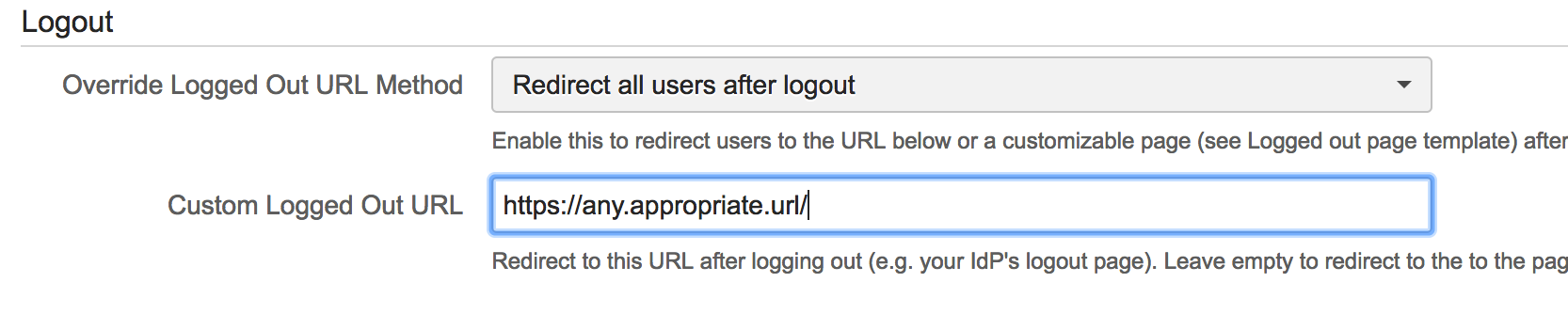
To show the Plugin's logged out page after a user logs out instead of the default page, select Redirect all users after logout or Redirect only SSO users after logout in the Override Logged Out URL Method dropdown.
If Redirect only SSO users after logout is selected, users that have logged in via SSO see the default page.
The page can be customised by editing the Velocity template in the tab Page Templates.

Custom logged out URL
Instead of showing the logged out page, users can be redirected to an URL after logging out by specifying a Custom Logged Out URL and selecting an appropriate override logout URL Method