How to use promotional code to claim discount
After you receive the discount code from us, which is often a single use code, looking like this: https://promo.atlassian.com/xyz.
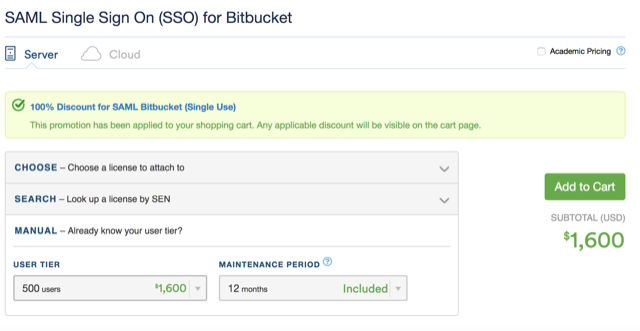
When you are ready to claim the discount, clicking on the promotional link, choose the relevant User Tier manually (eg. 100/500 etc), then click Add to Cart.
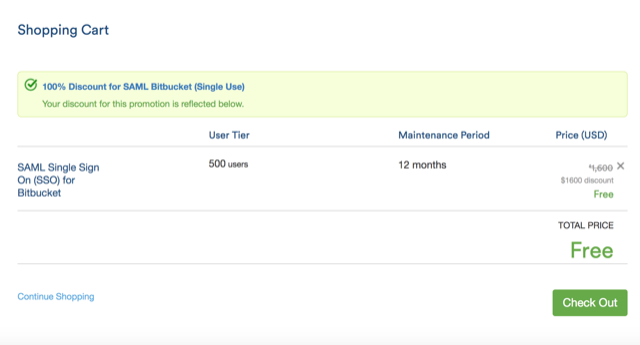
Then, the customer should see Shopping Cart and click on Check Out.
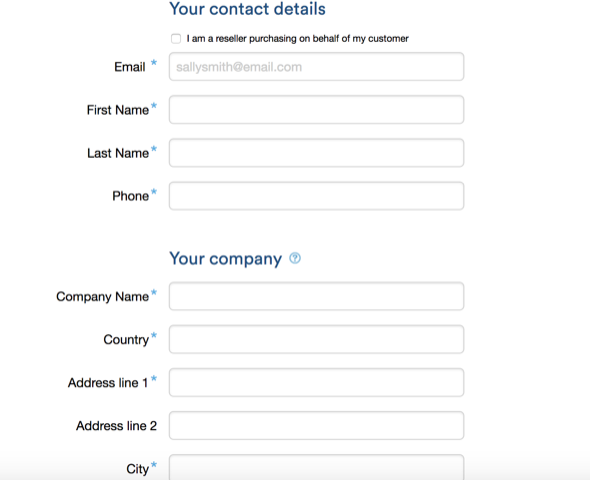
Next would be to put in the contact details etc. then click on Continue.
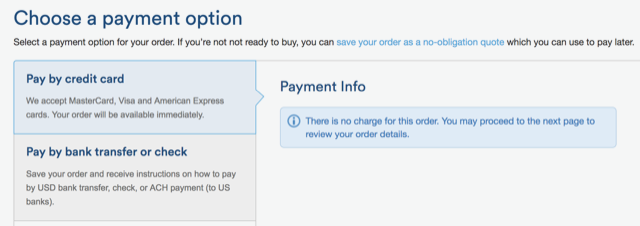
Choose a payment option, and it states here "There’s no charge…", so you can proceed to the next step to Review Order and click on Submit.
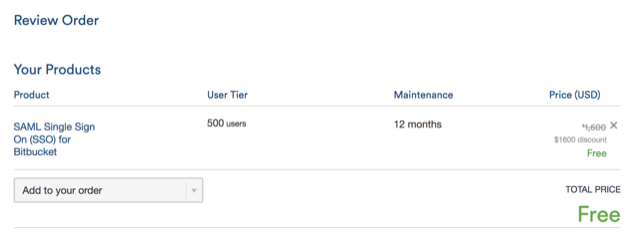
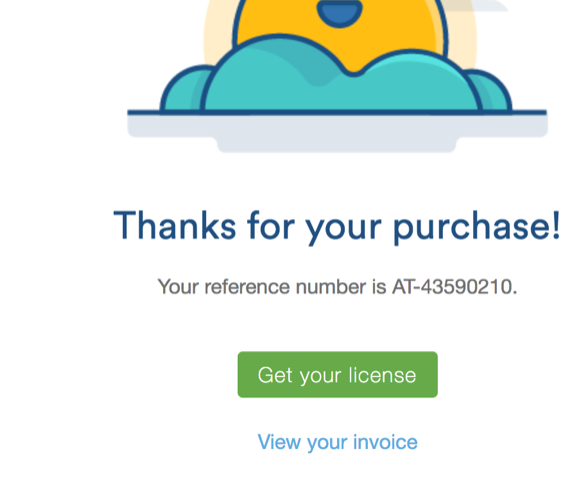
Finally, click on Get you licence.