

Jira Service Management - JSM Board in NASA - Not Another Standup App
Create a Jira board for your Jira Service Management (JSM) project and link it to a NASA meeting stream.
This configuration requires licensed access to both Jira Service Management (JSM) and Jira Software (JSW).
Prerequisites
Jira administrator or project administrator permissions
An active JSM project with issues
NASA – Not Another Standup App installed on your Jira instance
Step 1: Navigate to Boards
Open Jira and go to Your work. Select the Boards tab to see all available boards.
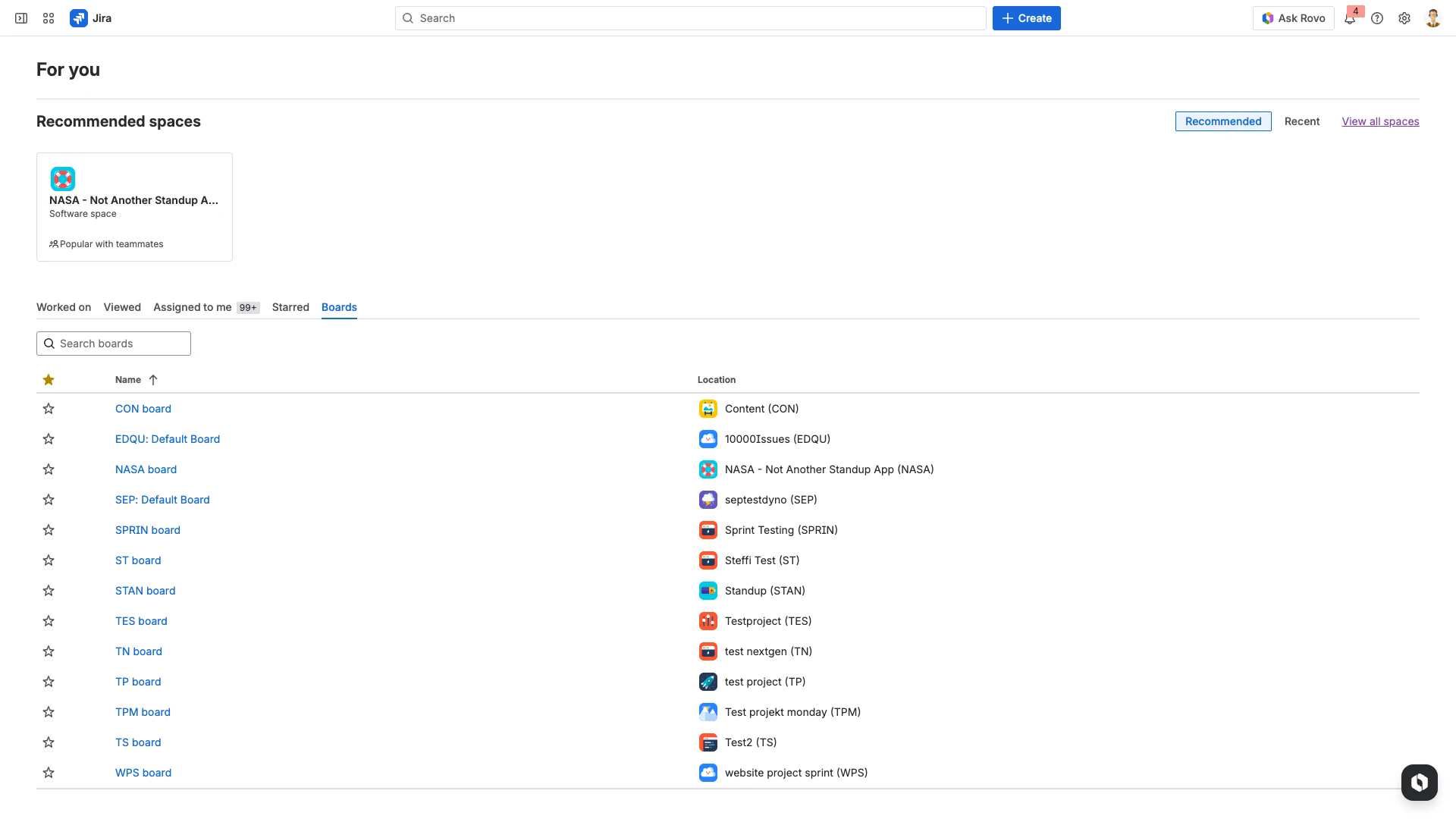
Step 2: Open Board Management
On the board management page, click Create board in the top-right corner.
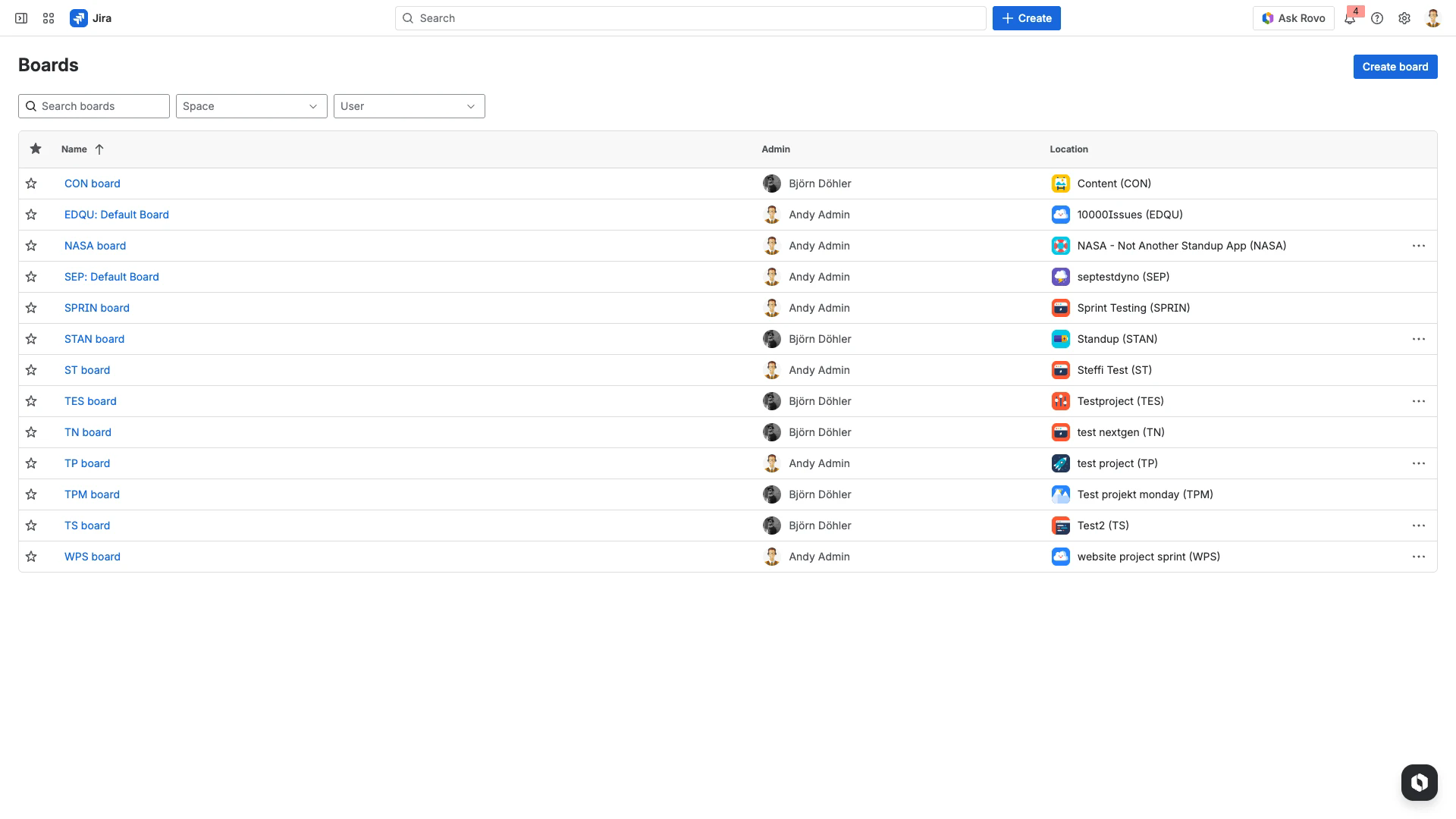
Step 3: Select Board Type
In the Create a board dialog, choose Kanban and click Create a Kanban board.
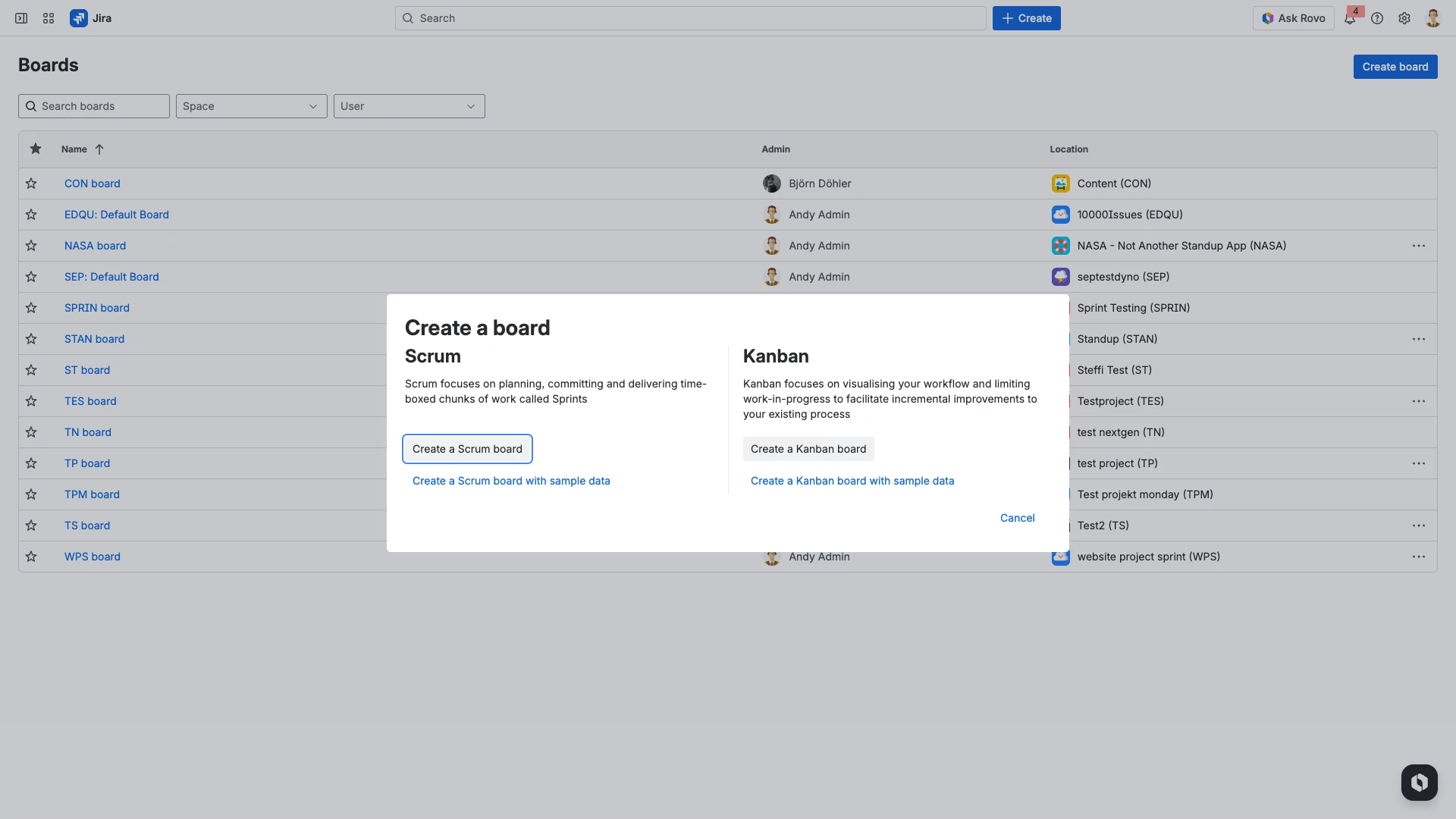
Step 4: Choose Board Source
Select Board from an existing project to connect the board to your JSM project. Alternatively, choose Board from an existing Saved Filter if you need a custom JQL filter for issue selection.
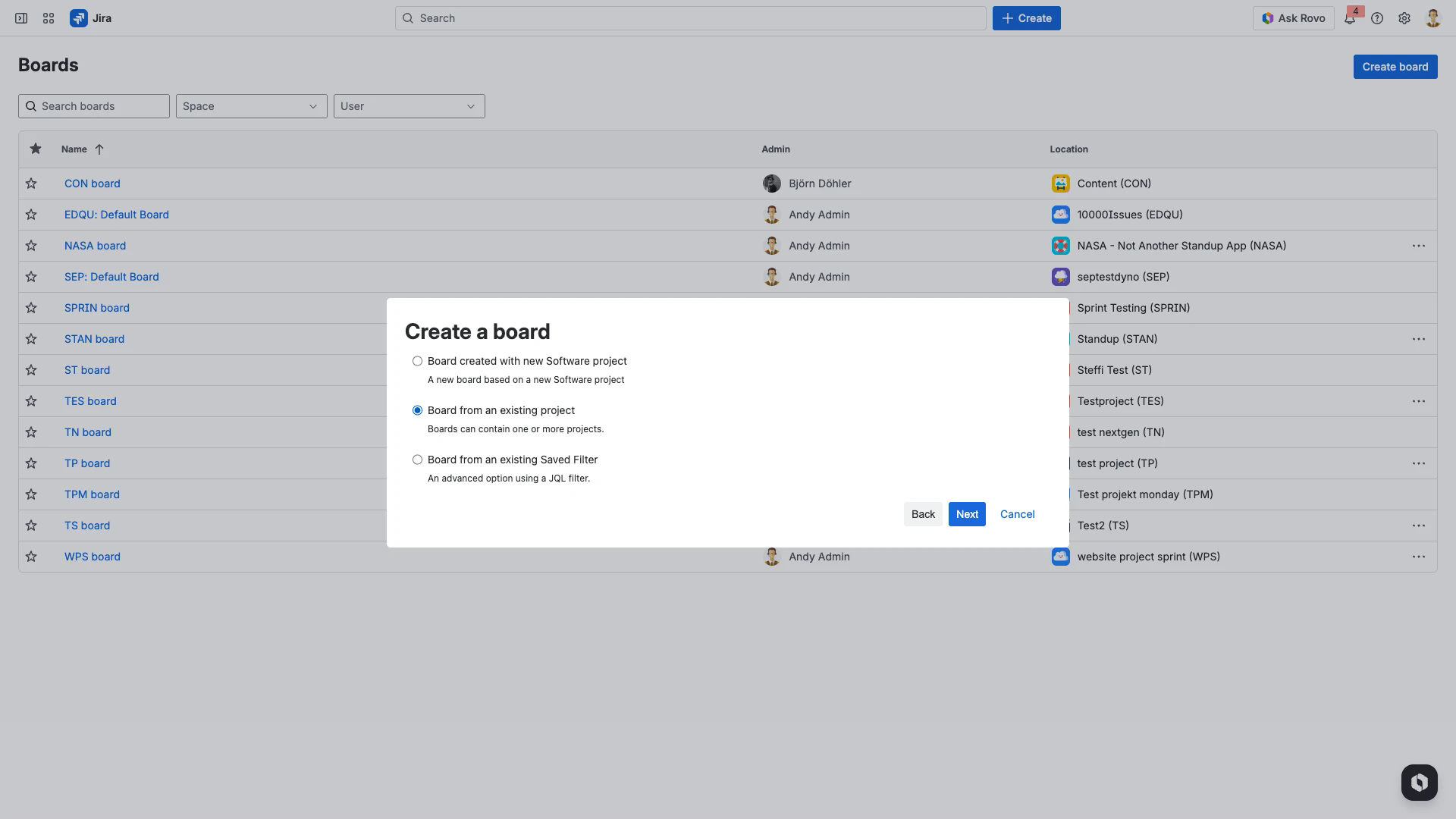
Step 5: Configure Board Details
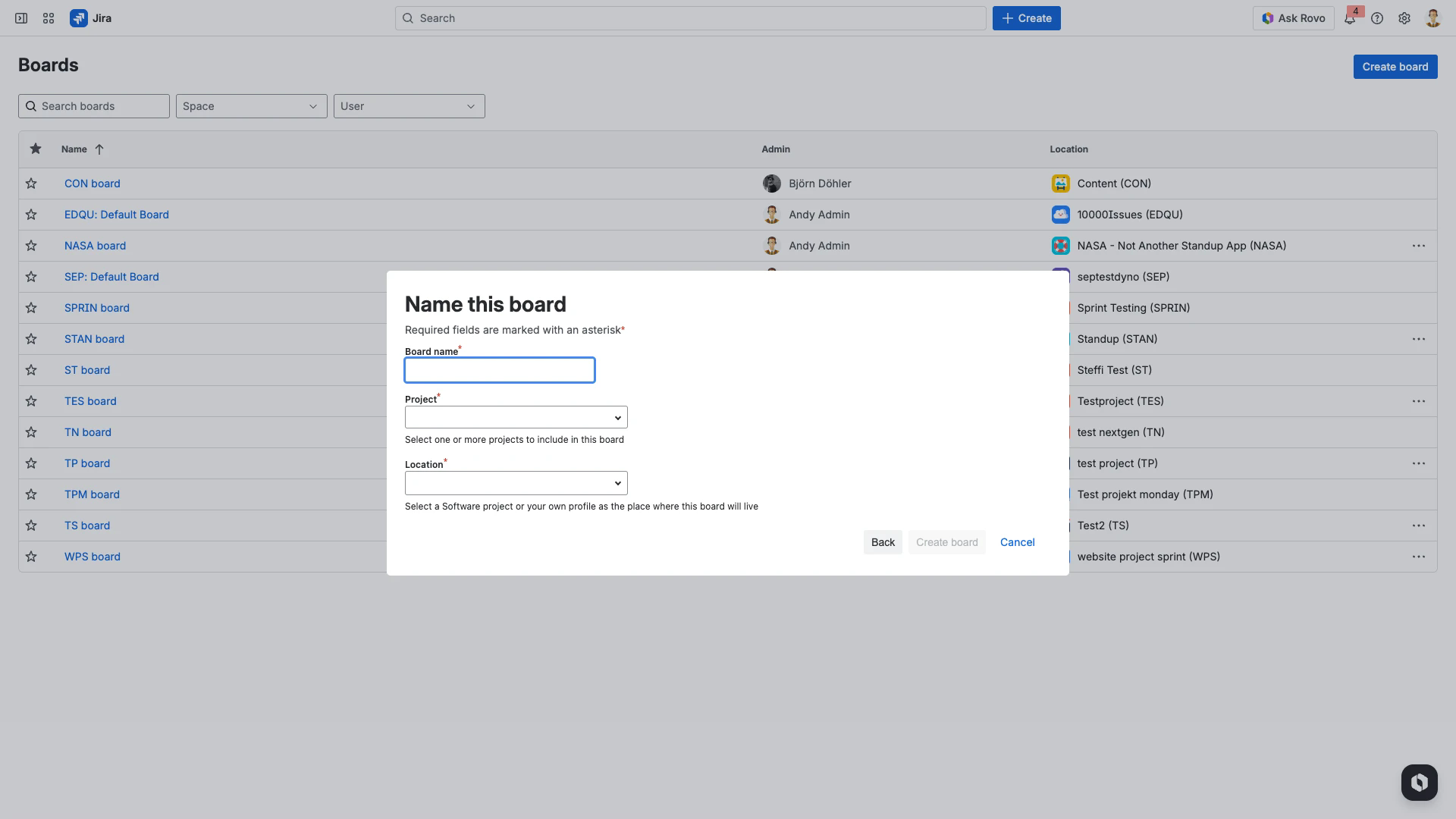
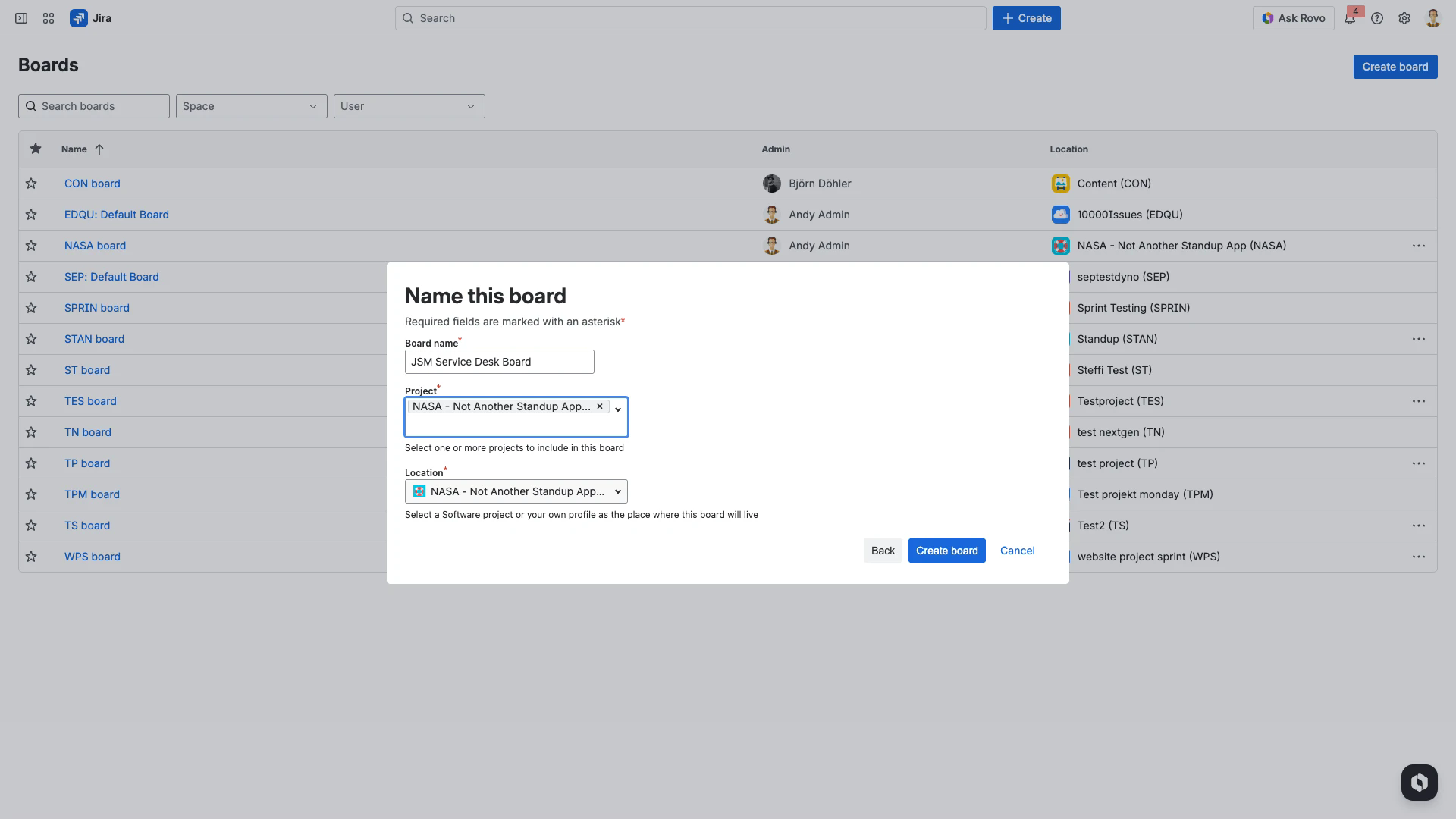
Enter a name for the board, select your JSM project from the Project dropdown, and choose a location. Click Create board to finish.
Step 6: Create a NASA Stream
Open the NASA app and go to Streams Overview. Click + Add New Stream to create a meeting stream linked to your new JSM board.
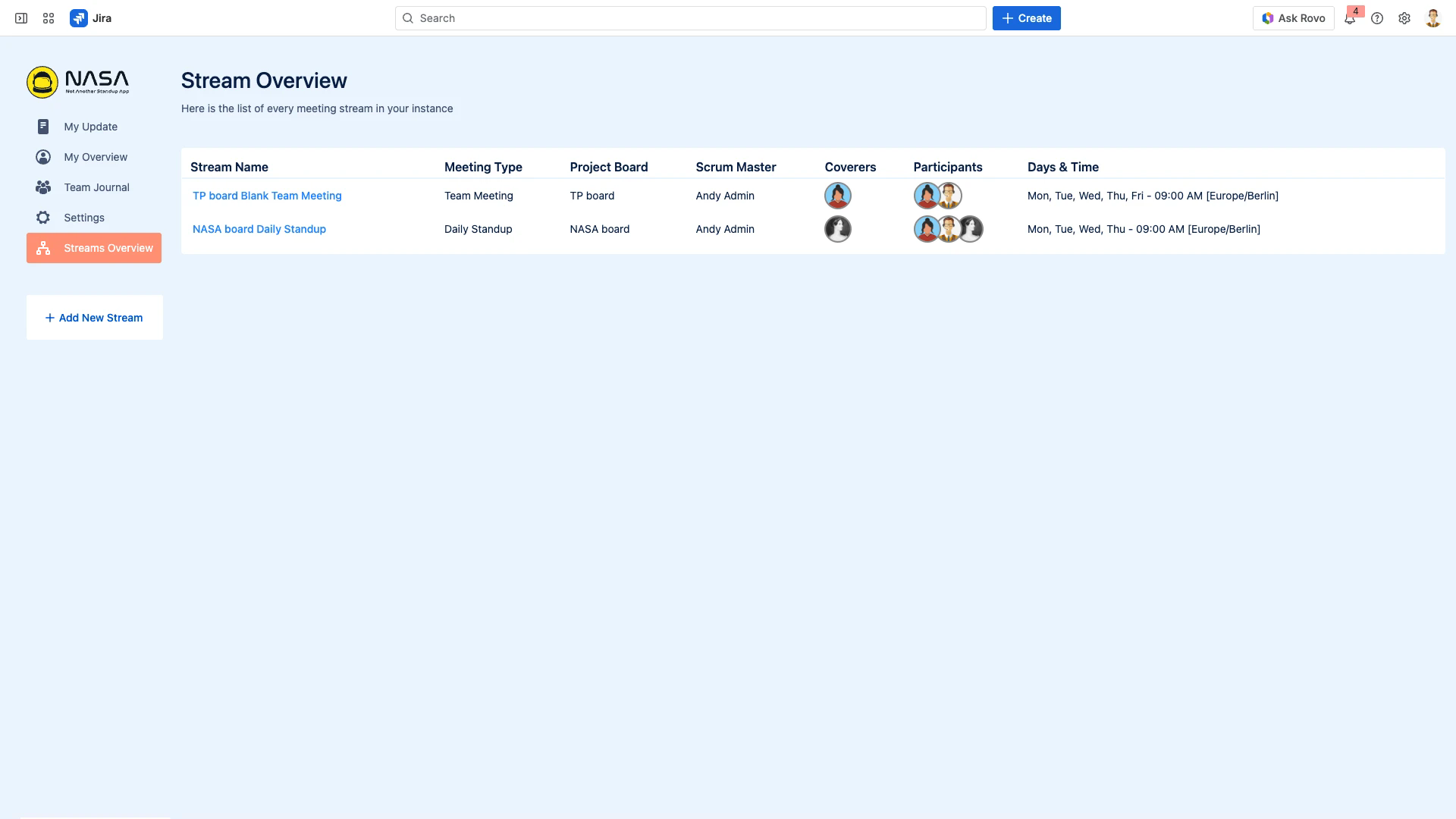
In the stream creation wizard, select the JSM board you created and complete the remaining configuration steps.
Suggested Issues Configuration
When configuring suggested issues for a JSM stream, use By Jira Issue Filter as the source. The filter should:
Not exclude closed or resolved issues - the Team Journal and My Overview screens use resolved issue counts in their statistics
Not return too many issues - use
currentUser()in the filter to keep the list manageable
For the complete stream setup process, see Getting Started with NASA.
Related Pages
Suggested Jira Issue Selection - configure which Jira issues appear during preparation
Getting Started - full stream creation wizard walkthrough
Filters - create custom JQL and Confluence filters